Click to Pay Payment
Bring “tap-to-pay” simplicity to online checkout.
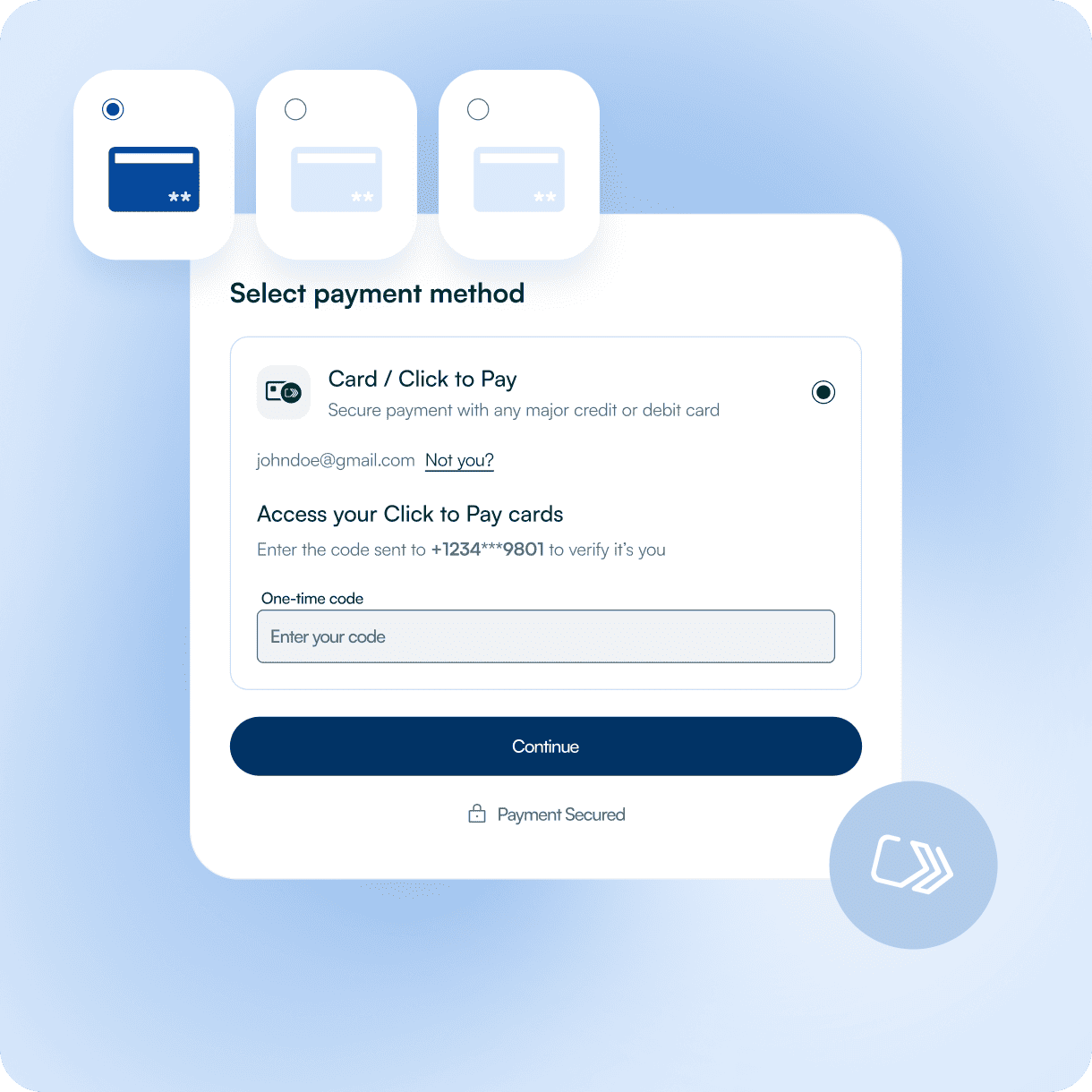
What is Click to Pay?
The Click to Pay service provides a scheme-backed one-click checkout experience that works across websites, apps, devices, and participating card brands (currently Visa, Mastercard, American Express, and Discover).
Under the hood
.png)
EMV Secure Remote Commerce (SRC)
It’s built on EMV Secure Remote Commerce (SRC) - a set of standards that define a unified checkout flow for card payments online.

Cards are stored as tokens
Cardholders create a Click to Pay profile where their cards are stored as tokens, not raw PANs.
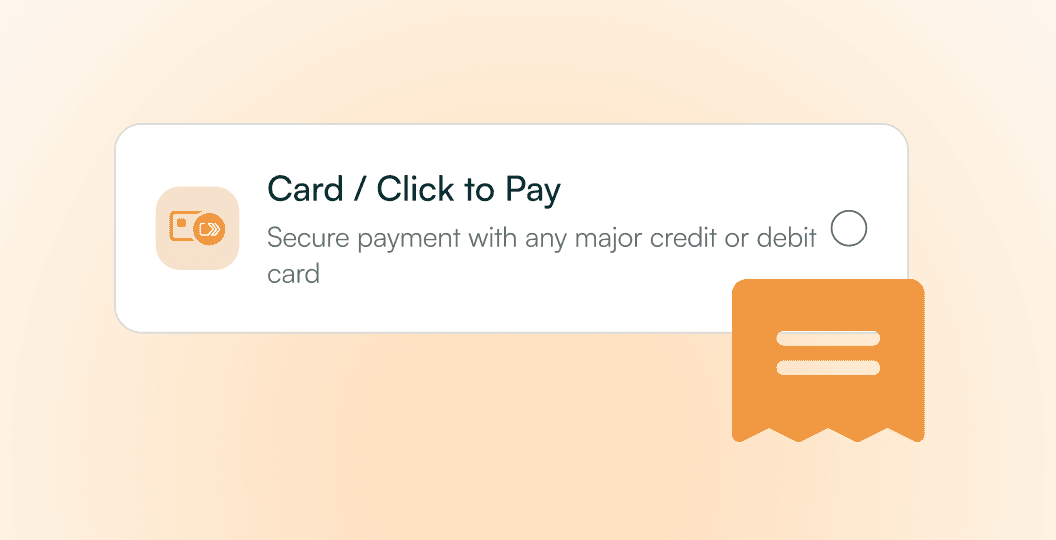
One tap instead of entering card data
At checkout, instead of entering card data, they click the Click to Pay button, choose a card and confirm - the gateway receives tokenized card credentials and initiates the transaction.
This brings the convenience of contactless card payments to online shopping: fewer fields to fill, less friction, and more consistency across markets.
Where Click to Pay Payment Service fits in your stack
Click to Pay is ideal when you want to
Real Quick Flow
Replace manual card entry with a faster “select card → confirm” flow.
Network-standard one-click experience
That works across participating card schemes and issuers.
Improved Conversion with Click to Pay Checkout
Especially for guest checkouts and on mobile, where re-typing card numbers is painful.
Additional Payment Option
Add another tokenized, SCA-friendly card option next to Apple Pay, Google Pay, classic card form and bank payments.
Key benefits
Less typing, more completed payments
Click to Pay online payment removes most of the friction of classic card entry. Shoppers don’t need to find their card, enter long numbers or re-type expiry/CVV on each purchase - they simply select a stored card. Card schemes highlight reduced cart abandonment and better conversion as key advantages.
Tokenization by design
Click to Pay is token-based from the start. Instead of sending raw PANs, it uses network tokens that can be updated by issuers if cards are reissued or renewed, helping keep credentials current and reducing payment failures.
Consistent UX across brands and devices
Because it follows the EMV SRC standard, the Click to Pay online service provides a consistent icon, flow, and logic across Visa, Mastercard, Amex, and Discover — so users don’t have to re-learn every checkout.
Strong security and regulatory alignment
Click to Pay is built to work with 3-D Secure and issuer SCA flows, combining tokenization, scheme risk controls and bank-side authentication. For merchants, that means a checkout that’s both smoother and aligned with modern security expectations.
How Click to Pay works online
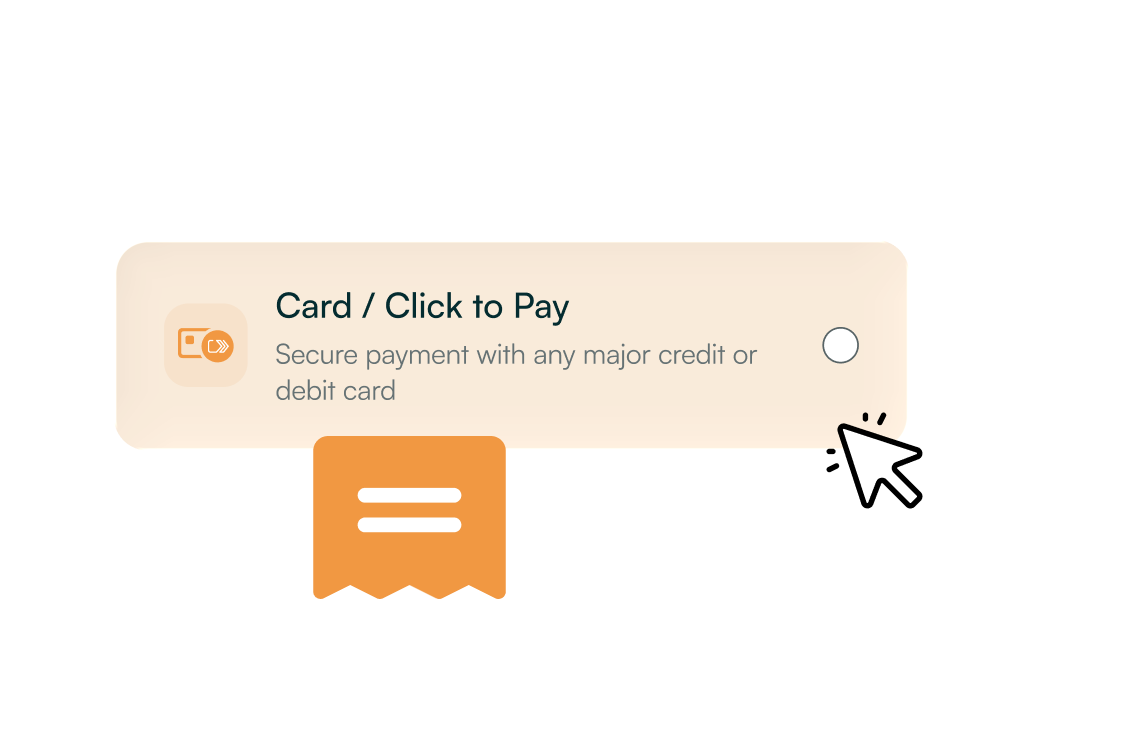
Customer sees the Click to Pay button
At checkout, alongside other options (card, wallets, bank payments), the user sees the Click to Pay icon indicating that SRC is supported for their card brands.
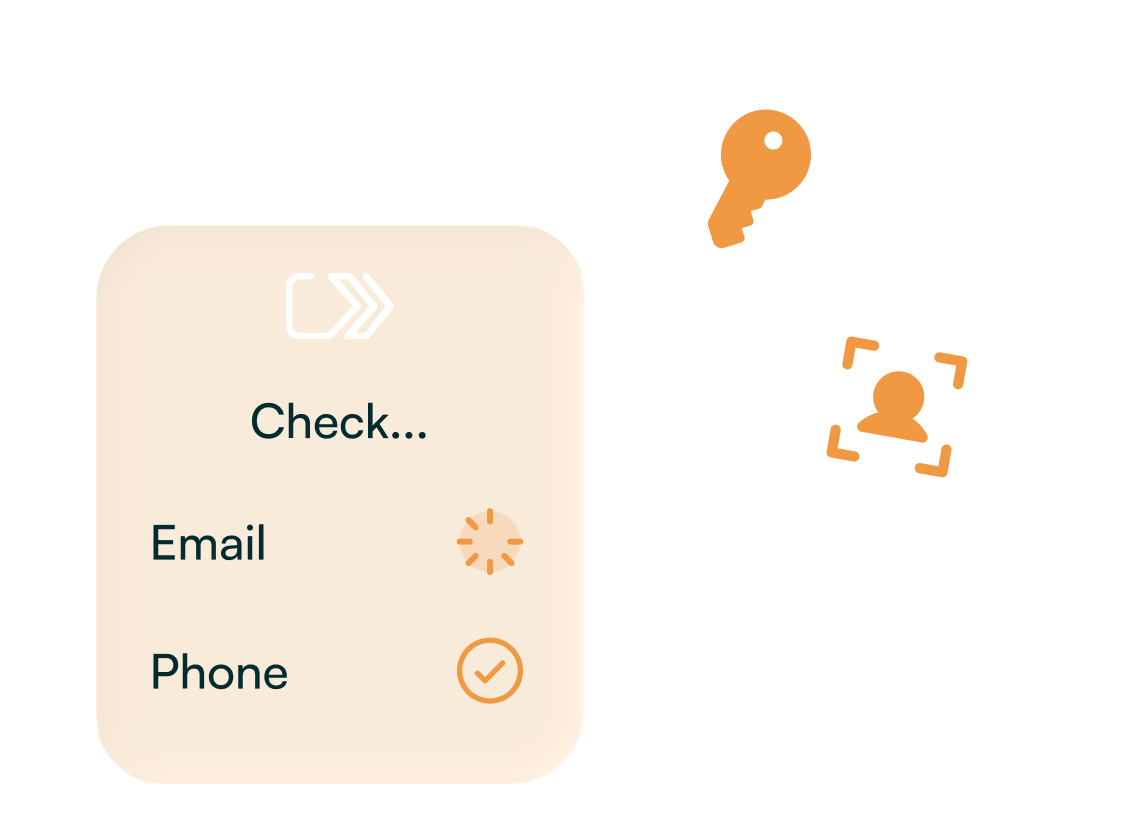
They sign in or recognize their device
Depending on the issuer's setup, the shopper may be recognized on that device (via email/phone match) or asked to identify themselves for the first time.
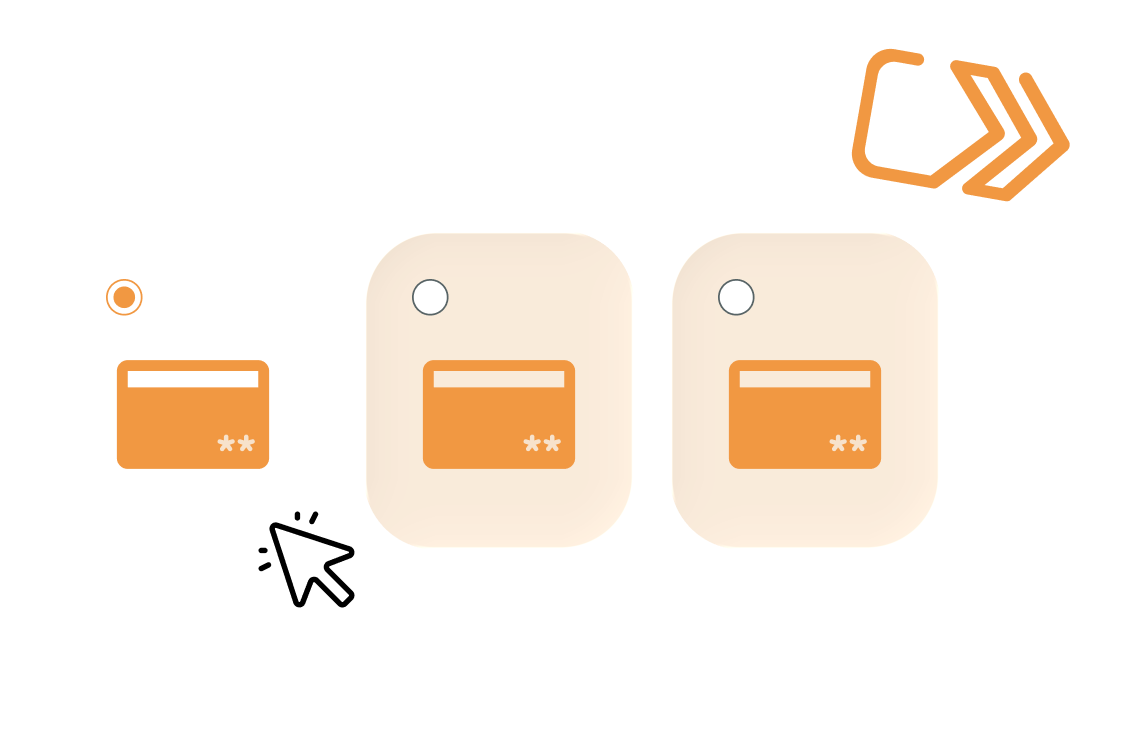
Customer selects a stored card
The Click to Pay interface shows one or more cards stored in their profile. The user picks the card they want to use for this purchase.
The scheme sends a tokenized credential
Instead of the card number, the Click to Pay system returns a tokenized payment credential to the gateway/acquirer, which proceeds with a normal card authorization.
Merchant gets a standard card payment result
From the merchant’s perspective, it’s still a card transaction - just started from a faster, tokenized, EMV-SRC-compliant user experience.

FAQ
What is Click to Pay Payment?
Click to Pay payment is a secure checkout solution that lets users pay online without re-entering card details, reducing friction and increasing conversions.
Which cards are supported for Click to Pay?
The Click to Pay Visa Mastercard program works across major card brands to ensure fast and secure payments.
How does Click to Pay Checkout improve online purchases?
Click to Pay checkout allows users to complete transactions in one step, streamlining the payment process and enhancing the shopping experience.
Can merchants accept Mastercard Click to Pay?
Mastercard Click to Pay for Merchants enables businesses to offer a standardized, faster checkout experience for their customers.
Is Visa Click to Pay available for online merchants?
Visa Click to Pay for Merchants ensures a consistent, secure checkout across websites, apps, and devices.
Thinking about Click to Pay, but not sure how it fits your checkout?
Let’s Talk