Let your customers pay with the BLIK system - the go-to online payment method in Poland.
What is BLIK by Fenige?
BLIK is a mobile payment system built into Polish banking apps.
Polish Banking App
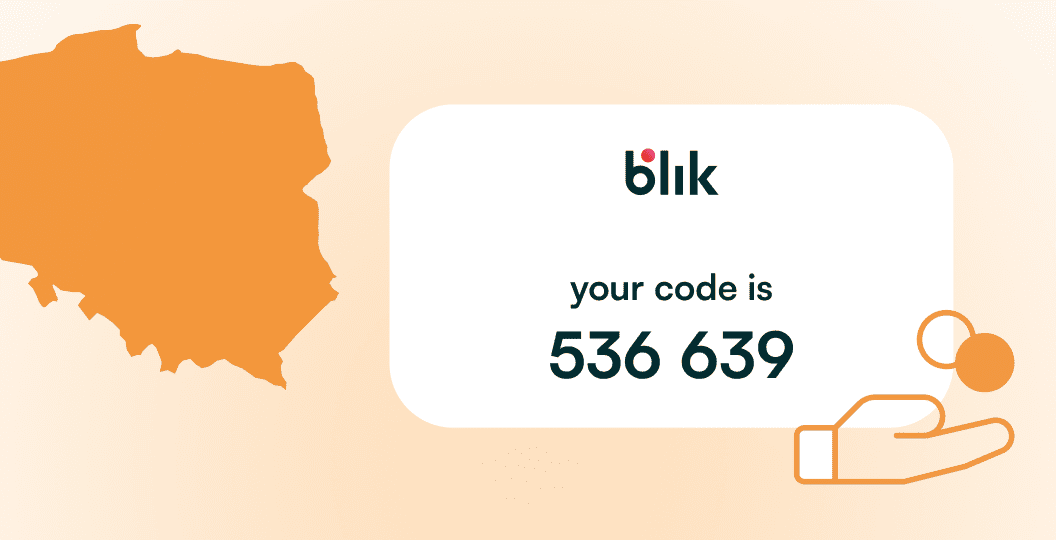
BLIK is a mobile payment system built into Polish banking apps. Customers generate a one-time, six-digit code in their banking app, enter it on the checkout page and confirm the transaction back in the app.
Fenige Support
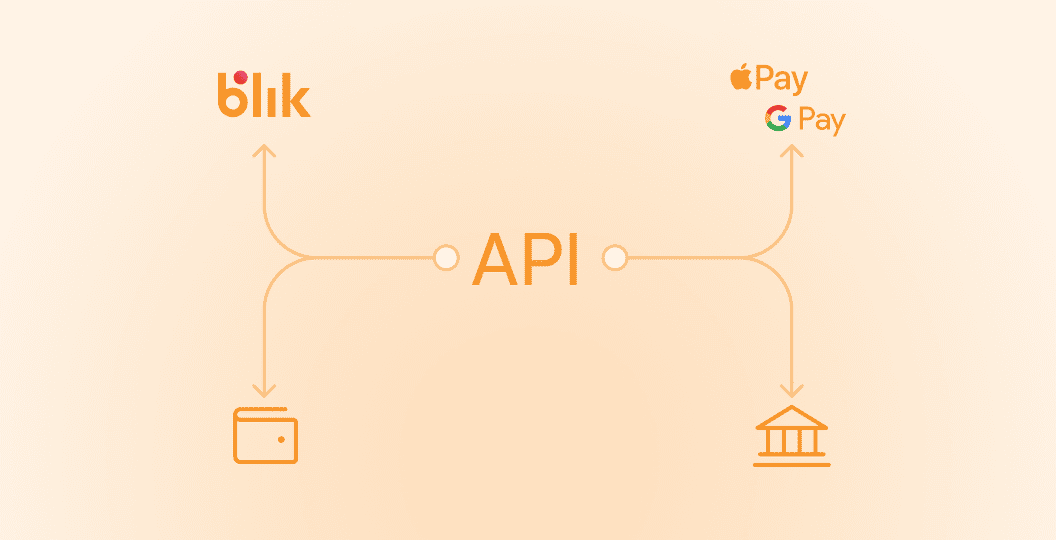
Fenige supports BLIK as an online payment method in its e-commerce solutions and PaymentHub gateway, alongside cards, Pay by Bank Account, Apple Pay, Google Pay and others.
Benefits for Merchants
For merchants, that means you can offer one of the most popular payment methods in Poland, including BLIK transfers to mobile, through the same API/gateway you already use for other methods.
Where BLIK fits in your stack
Use BLIK online when you want to
Polish E-Commerce
Increase conversion in Polish e-commerce, where BLIK is a must-have and often the preferred method at checkout
Fast, Card-free
Give mobile-first users a fast, card-free way to pay with BLIK using just their banking app.
Additional Payment Option
offer a familiar option next to Card Payments, Pay by Bank Account and wallets - all through one Fenige integration.
Key benefits
Designed for Polish customers
BLIK is deeply integrated into Polish banking apps and widely recognized by local shoppers. Adding it to your checkout helps reduce drop-off from users who prefer BLIK over cards.
No card numbers on the checkout
Customers don’t enter card details or sensitive data on your site. They only type a short BLIK code and confirm in their banking app, which helps build trust and reduces exposure of payment data.
Strong security and SCA by default
Each BLIK code is one-time, valid for a very short period and must be confirmed in the bank’s app (PIN, biometrics, etc.). Payments rely on the bank’s own secure environment and strong customer authentication.
One integration for multiple methods
Through Fenige’s PaymentHub and e-commerce API you can enable BLIK alongside cards, Pay by Bank Account, Google Pay and Apple Pay - with shared reporting and the same technical contact on Fenige’s side.
How BLIK works
1
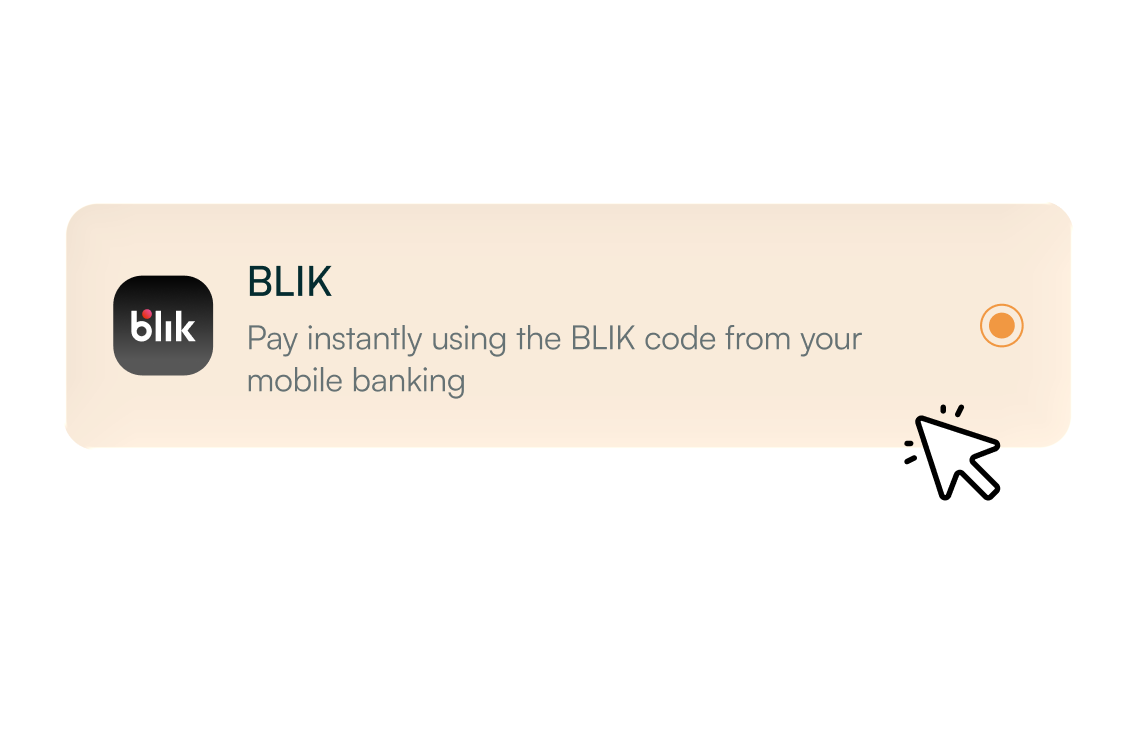
Customer chooses BLIK at checkout
On your website or in your app, the shopper selects “Pay with BLIK” as the payment method.
2
Customer generates a BLIK code
They open their bank’s mobile app, go to the BLIK section and generate a one-time six-digit code (valid for a short time only).
3
Code is entered on your checkout
The customer types the code into the BLIK field on your site and submits the payment.
4
Customer confirms in the banking app
A confirmation screen appears in the bank’s app. The customer checks the details and approves the transaction (PIN, fingerprint, or other SCA method).
5
Fenige sends you the result
The bank confirms the payment, BLIK sends the status through the acquiring chain, and Fenige returns a clear success / failure response to your system via API or gateway.
FAQ
What is a BLIK payment?
It’s a fast and secure way to pay in Poland using your mobile banking app.
How can I make a BLIK money transfer?
You can instantly send money to another user in Poland using only their mobile number.
How does the BLIK payment system work?
It allows users to make online payments, in-store purchases, and mobile transfers without a physical card.
Can I use BLIK online for website payments?
Yes, it lets customers complete purchases quickly and securely through supported merchants.
How do I perform a BLIK mobile transfer?
You can instantly transfer funds to another person using just their phone number via your banking app.
Want to add BLIK to your checkout for Polish customers?