Apple Pay / Google Pay for Business
Enable “pay with one tap” using the wallets your customers already trust.
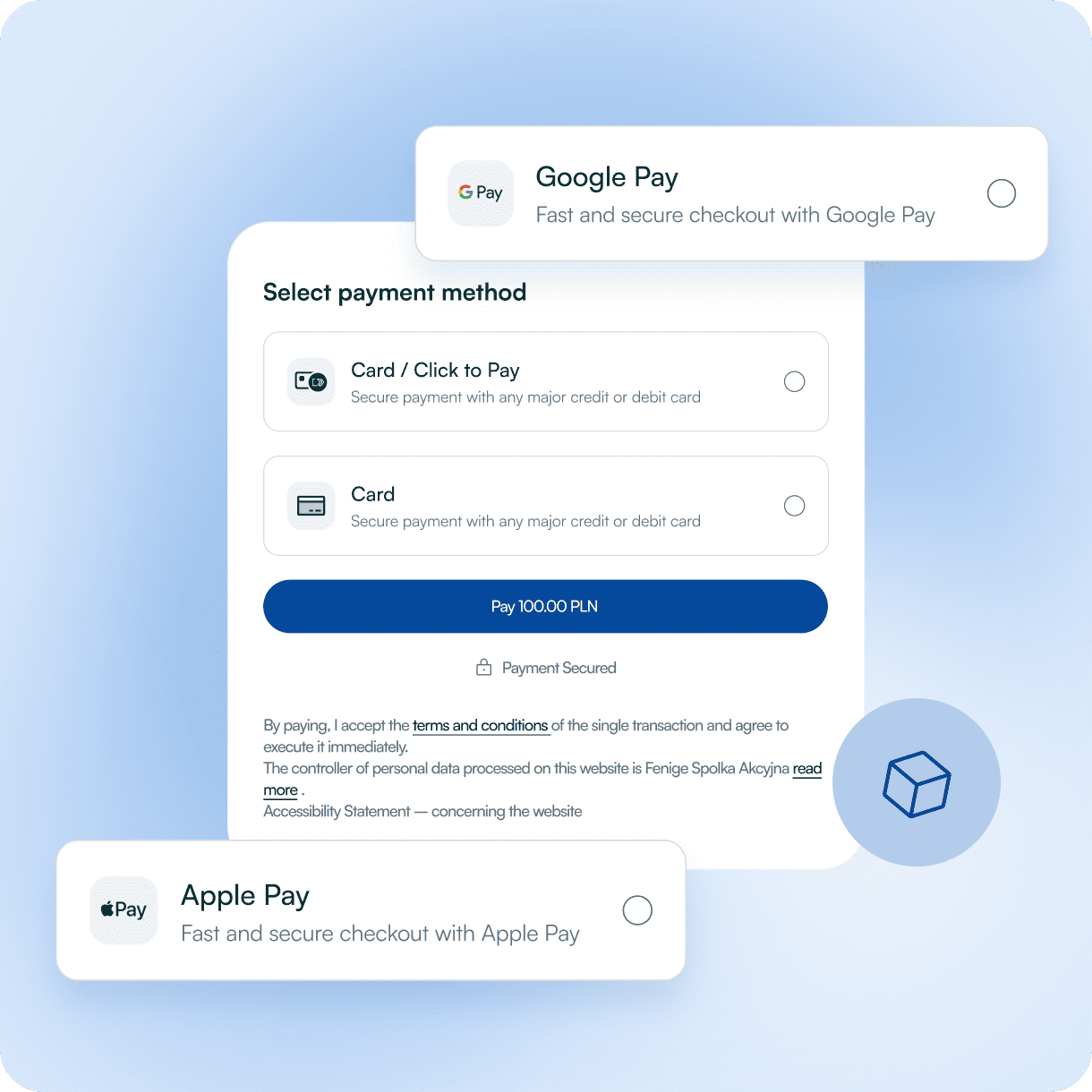
What is Apple Pay / Google Pay by Fenige?
Apple Pay and Google Pay for online businesses allow companies to securely store customer cards as digital tokens. At checkout, instead of typing card data, the user picks their wallet, confirms the payment on their device, and the wallet returns a payment token rather than the PAN.
Fenige’s PaymentHub gateway, mobile SDK, and API library support Apple Pay and Google Pay as payment methods for e-commerce

The customer selects Apple Pay or Google Pay in your checkout

The wallet returns a token instead of card details
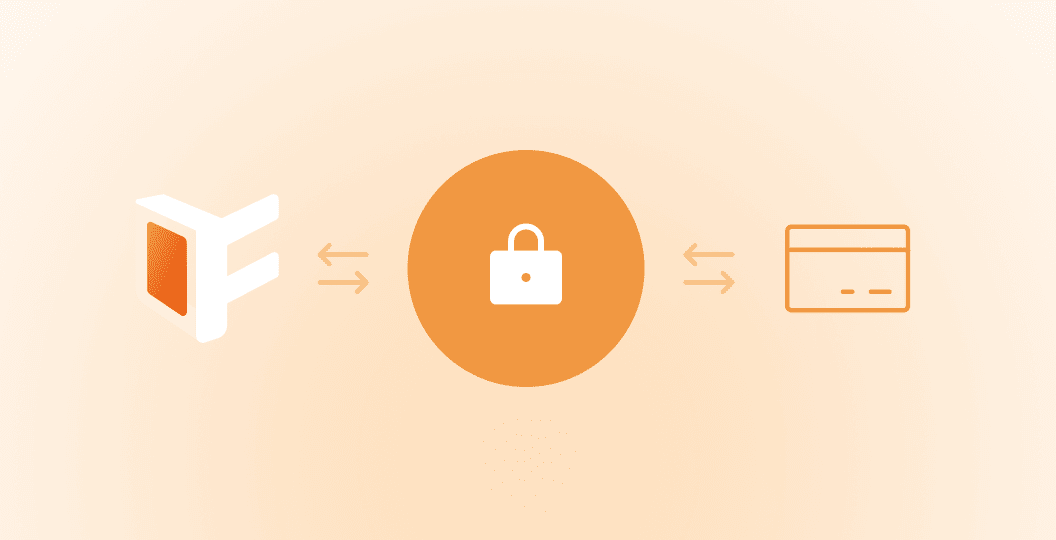
Fenige processes that tokenized card transaction through the card schemes
Each payment is authorized directly by the bank using strong customer authentication (SCA) under PSD2/ open banking regulations, which increases security and reduces the risk of card data misuse.
Where Apple Pay / Google Pay fit in your stack
Use Apple Pay / Google Pay account for business when you want to
Improve Mobile Conversion
with one-tap, biometric-confirmed payments
Card-based Method Without Exposing Card Numbers
Offer a card-based method without exposing card numbers to your frontend
Everyday Purchases Use
Serve users who already use their Apple Pay / Google Pay accounts for everyday in-store and online purchases.
Additional Payment Option
Complement Card Payments, Pay by Bank Account, BLIK and other methods in one single smooth integration.
Key benefits
Familiar, one-tap checkout
Apple Pay and Google Pay are well-known wallets across Europe. Customers don’t need to find their card or type data - they just confirm with Face ID, Touch ID, fingerprint or device PIN. That speeds up checkout and helps reduce cart abandonment, especially on mobile.
Tokenized, not raw, card data
Apple Pay / Google Pay wallet replaces the real card number with a payment token, which Fenige uses to process secure tokenized card transactions - so your systems never see the underlying PAN.
Strong security & authentication
Each wallet transaction is confirmed using device-level security (biometrics or secure unlock) plus scheme and issuer checks. Combined with tokenization, this helps increase approval rates and significantly reduce fraud compared to manually entered card details.
One integration, many wallets & methods
Through Fenige’s Ecommerce suite, Apple Pay and Google Pay accounts for business sit alongside cards, open-banking payments, and BLIK. You manage methods, reporting and configuration in one place instead of integrating each wallet separately.
How Apple Pay / Google Pay Works for Online Businesses
Customer selects the wallet
At checkout, the customer chooses Apple Pay or Google Pay as their payment method.
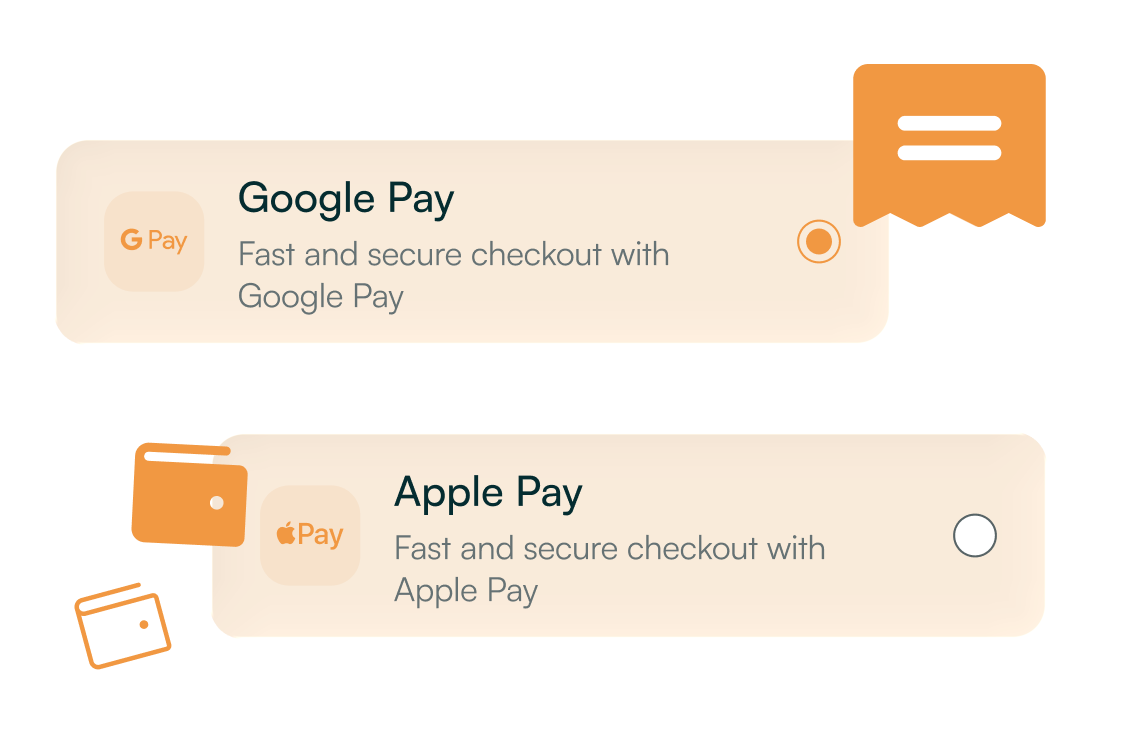
Wallet returns a payment token
The user confirms the payment on their device (Face ID, Touch ID, fingerprint, PIN). The wallet provides a payment token instead of sharing the real card number.
Fenige processes the tokenized card payment
As a PSP supporting tokenized wallet transactions, Fenige uses the token credentials to submit the authorization to the relevant card scheme.
You receive a clear payment status
Fenige returns a success or failure response through the same interface you use for other payment methods, so your order system is updated in real time.
Fenige sends you the result
The bank confirms the payment, BLIK sends the status through the acquiring chain, and Fenige returns a clear success / failure response to your system via API or gateway.

FAQ
What is an Apple Pay business account?
An Apple Pay business account allows companies to accept secure digital payments from customers online and in-store.
How can I set up Google Pay for my business?
You can get Google Pay for business by registering your company through Fenige and linking your merchant details to start accepting payments.
Do I need a merchant account for Google Pay?
Yes, a merchant account Google Pay is required to process payments and manage transactions safely and efficiently.
Can I use a corporate account with Apple Pay or Google Pay?
Yes, a corporate account can be linked to Apple Pay and Google Pay to streamline business expenses and payments.
What is a GPay business account?
A GPay business account enables businesses to accept payments via Google Pay, offering fast and secure transactions for online and in-store customers.
Want to add Apple Pay and Google Pay to your checkout with one integration?
Let’s Talk